Lifechanger Part 2: Offline-First Architecture & State Management
Deep dive into Lifechanger's technical architecture.
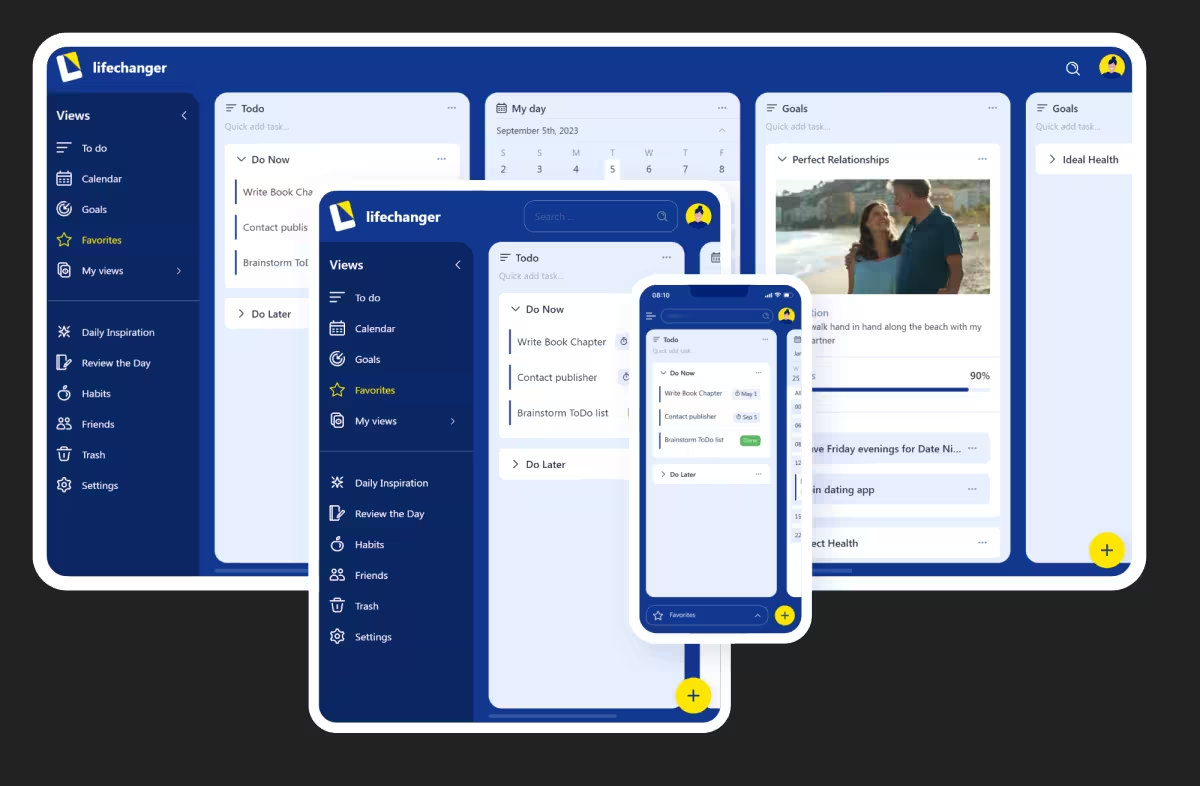
This is Part 2 of the Lifechanger project series. For the high-level project overview, see Part 1: Project Overview & Impact.
Technical scope and shared ownership
On the technical side, me and the backend engineer worked closely to built the offline‑first architecture at the heart of Lifechanger. We brainstormed on most of the data shape, storage and flows back and forth between the client and server, to ensure network usage efficiency and perceived application performance. The resulting system handled vast amounts of data (for such an application) with ease, reaching thousands of daily active users at project peak with no performance issues.
My responsibilities included:
- UI development using
React,CSS, micro-animations and cross‑platform interactions (web + Cordova) - State management using Redux for UI and RxJS for larger data (the tasks themselves)
- Co‑designing the
data modelandsync strategies - Co‑designing and implementing the
recurrence and timezone systemfor tasks:- Handling DST, timezone changes, and tasks created in one timezone but executed in another
- Surfacing unavoidable edge cases clearly in the UI, e.g. ordering tasks and showing both “task time” and “local time” where needed
- Implementing a
dedicated web workerthat precomputed calendar data in the background so that common navigation patterns felt snappy. It involved cache design and invalidation strategies to ensure both speed and correctness, e.g. when a task’s recurrence rules were updated.
- Designing a custom Drag and Drop behavior that had to perform butter smooth on weak devices displaying thousands of items on a single screen.
Offline-First with CouchDB & PouchDB
We chose an offline-first approach to ensure users could access their data anytime, regardless of network connectivity. This was powered by IBM’s CouchDB on the server and PouchDB on the client. This combination allowed for seamless synchronization when connectivity was available, while providing a robust local database for offline use.
State Management: Redux + RxJS
For state management, we leveraged a powerful combination of Redux and RxJS. Redux handled the predictable state container for the UI, ensuring consistent behavior across the application. RxJS was used to manage complex asynchronous data flows, particularly for the tasks themselves. This allowed us to handle real-time updates, synchronization events, and complex data transformations efficiently.
Cross-Platform Bundling
To reach users on both web and mobile platforms, we utilized webpack and Apache Cordova. This allowed us to maintain a single codebase while deploying to the web, iOS, and Android. We optimized the build process to ensure optimal performance on each platform, handling platform-specific constraints and leveraging native capabilities where necessary.
The Calendar Worker
One of the most challenging aspects was the calendar system. To ensure the UI remained responsive while processing complex recurrence rules and timezone calculations, I implemented a dedicated web worker. This worker precomputed calendar data in the background, caching the results to allow for instant navigation between days and views. This strategy significantly improved the perceived performance of the application, making it feel snappy even with heavy data loads.
Next Steps
This architecture provided the solid foundation needed to support a rich, interactive user experience. To see how we built high-performance interactions on top of this stack, check out the next part of the series: